ResumeFrom a blank page to a job-ready resume.
A career-tech company needed a resume builder that job seekers could use without design skills or a writing coach. We designed and built it in-house.
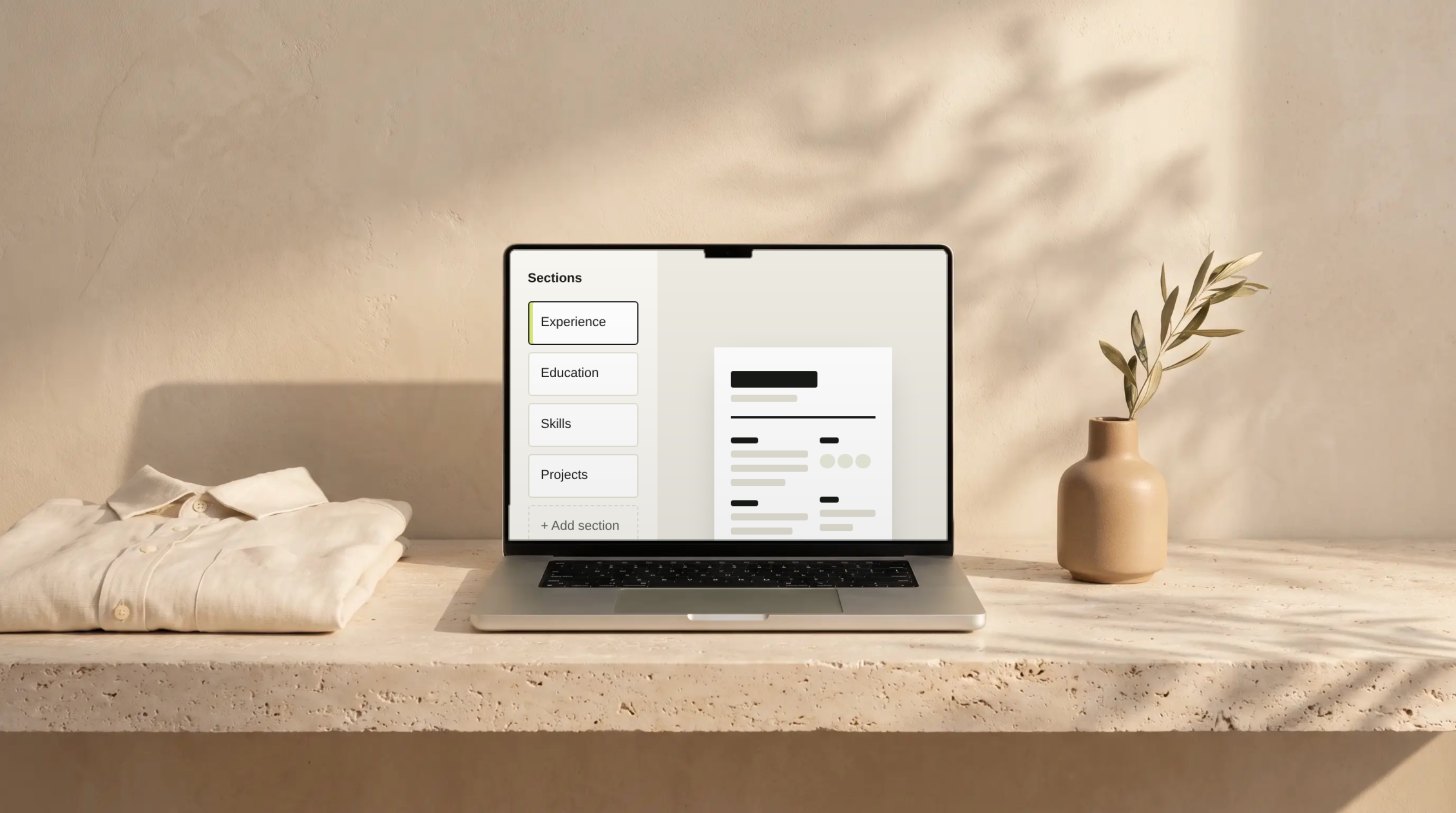
Scenes generated with AI (Higgsfield). Screens are illustrative mockups; the real product is under NDA.
Good people,bad resumes.
Most job seekers write their resume in a word processor, from scratch, the night before they apply. The resume ends up hurting them more than helping.
The blank page
People know their work but don't know what to write, how much to write, or which sections a resume needs.
Layouts that break
Add one line in a word processor and the whole layout shifts onto a second page.
Rejected by software
Fancy designs with tables and graphics often can't be read by the applicant tracking systems many companies use to screen CVs.
One resume for every job
Tailoring a resume for each role means copying files and editing by hand, so most people send the same one everywhere.
Write on the left,see it on the right.
We built the whole product around one idea: users fill in their story section by section, and a live, print-ready page updates next to them. Content and design stay separate, so the layout never breaks.
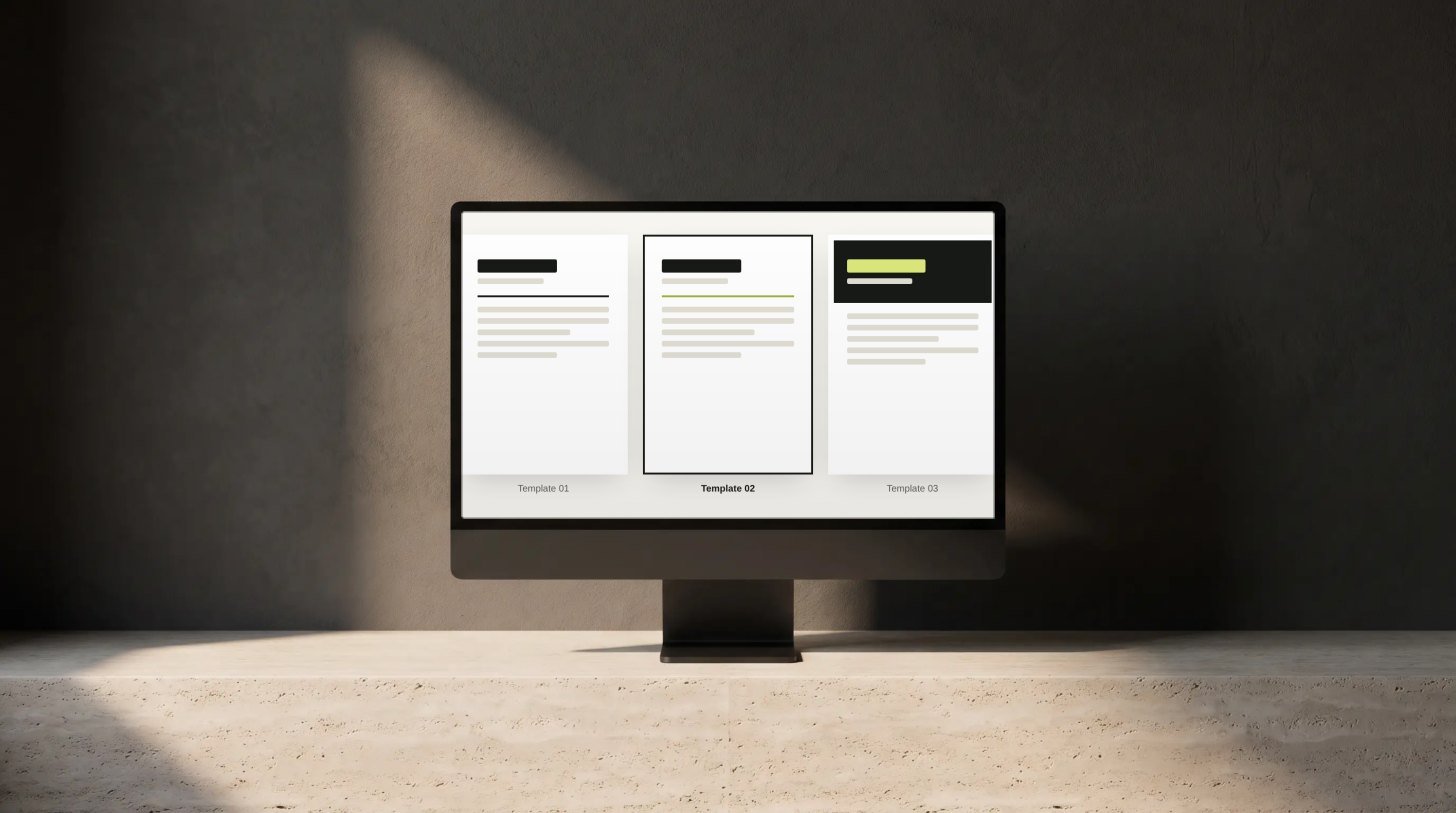
Pick a template
Clean layouts that both people and software can read.
Fill in sections
Guided sections with suggestions for what to write.
Check it
See what to fix before applying.
Tailor & export
Copy a version for each job and download a PDF.
Problem byproblem.
A guide, not a blank page.
The editor breaks a resume into sections like experience, education and skills. Each section shows hints and suggested wording, so users always know what goes where.
- Section-by-section editor
- Writing suggestions inside each section
- Add, remove and reorder sections
The layout looks after itself.
Templates control spacing, fonts and page breaks. Users only write. They can switch templates at any time and their content flows into the new design.
- Live preview of the final page
- Switch templates without retyping
- Spacing and page breaks handled automatically
Readable by people and by machines.
Templates use clear headings and a structure that screening software can read. A check before download points out what to fix, like missing contact details or vague bullet points.
- Screening-friendly template structure
- A checklist before every download
- Hints on what to improve
A version for every role.
Users keep all their resumes in one place, duplicate one for a new job, adjust it, and download a clean PDF. No more files named final_v3_new.docx.
- Multiple resumes in one account
- Duplicate and tailor in a click
- Clean PDF export
Write once,apply anywhere.
The client got a complete resume builder, designed and developed by one in-house team, from the editor to the final PDF.